Skip to content
  • Shop
  • Register and Login
  • Shop
  • Register and Login

ARAP Survey

  • Category: NEWS
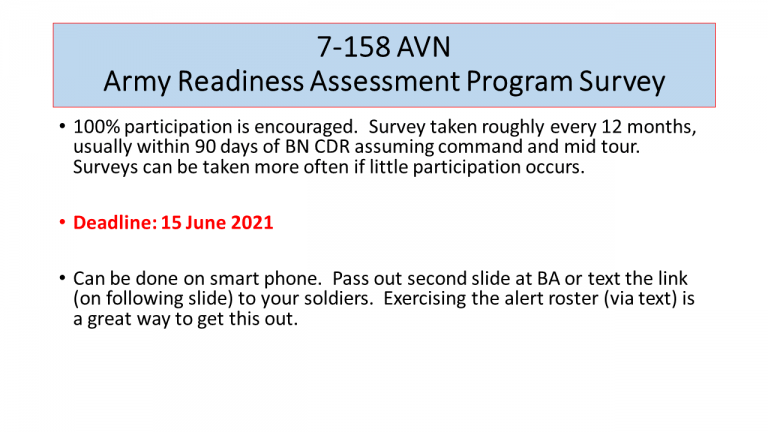
Slide1
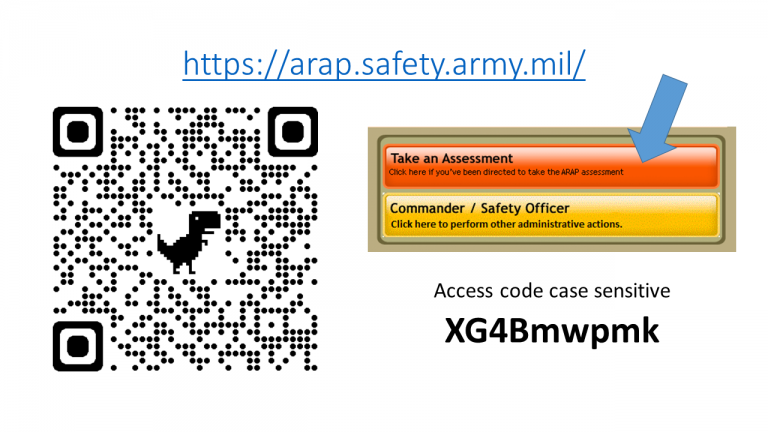
Slide2
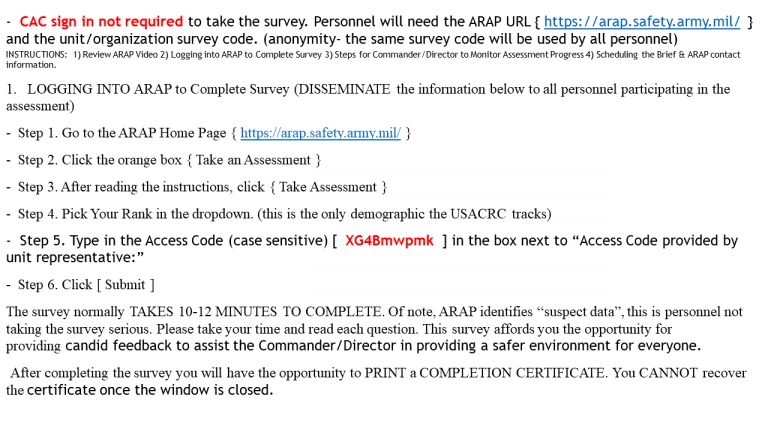
Slide3
–  CAC sign in not required to take the survey. Personnel will need the ARAP URL { https://arap.safety.army.mil/  } and the unit/organization survey code. (anonymity- the same survey code will be used by all personnel) INSTRUCTIONS:  1) Review ARAP Video 2) Logging into ARAP to Complete Survey 3) Steps for Commander/Director to Monitor Assessment Progress 4) Scheduling the Brief & ARAP contact information.
  1. LOGGING INTO ARAP to Complete Survey (DISSEMINATE the information below to all personnel participating in the assessment)
–  Step 1. Go to the ARAP Home Page { https://arap.safety.army.mil/ } –  Step 2. Click the orange box { Take an Assessment } –  Step 3. After reading the instructions, click { Take Assessment } –  Step 4. Pick Your Rank in the dropdown. (this is the only demographic the USACRC tracks) –  Step 5. Type in the Access Code (case sensitive) [  XG4Bmwpmk  ] in the box next to “Access Code provided by unit representative:” –  Step 6. Click [ Submit ] The survey normally TAKES 10-12 MINUTES TO COMPLETE. Of note, ARAP identifies “suspect data”, this is personnel not taking the survey serious. Please take your time and read each question. This survey affords you the opportunity for providing candid feedback to assist the Commander/Director in providing a safer environment for everyone.  After completing the survey you will have the opportunity to PRINT a COMPLETION CERTIFICATE. You CANNOT recover the certificate once the window is closed.
  • posted: 10 April 2021